🏓 Better Pickleball Sessions

Free desktop app for managing pickleball sessions with intelligent matchmaking. Fair rotations, ELO rankings, and automatic court management — so you can focus on playing.

⬇ Get Started ★ View on GitHub

Why Better Pickleball Sessions?

Everything you need to run great pickleball sessions — built by players, for players.

🧠

Smart Matchmaking

ELO-based skill balancing ensures competitive, fair matches every round. No more lopsided games.

🔄

Fair Rotations

Partner & opponent variety constraints prevent repetitive pairings. Everyone plays with everyone.

⏱️

Wait Time Priority

Players who have waited longest get prioritized automatically. No one gets left on the sidelines.

🏟️

Multi-Court Management

Manage 1 to 10+ courts simultaneously. Courts fill automatically as matches finish.

📊

Rankings & Stats

Track wins, losses, point differentials, ELO ratings, and more for every player.

💾

Session Persistence

Sessions auto-save and can be resumed after closing. Export detailed session reports.

Game Modes

Choose the format that fits your group.

🎯 Competitive Variety

ELO-based matchmaking with hard variety constraints. Skill-balanced matches that maximize partner and opponent diversity. Adaptive constraints relax as sessions progress for better balance.

👑 King of the Court

Rounds-based play where winners move up courts and losers move down. Teams split every round. Fair waitlist rotation ensures nobody sits out twice until everyone has waited once.

🔁 Round Robin

Classic round robin where everyone plays with as many different partners as possible. Automatic queue generation optimizes for maximum variety.

📋 Competitive Round Robin

Pre-scheduled tournament with all matches generated upfront. Review, approve, and modify the schedule before play begins. Continuous flow ensures courts never sit empty.

🤝 Locked Teams

Fixed partner pairings that stay together throughout the session. Great for established doubles teams.

See It in Action

Here's what running a session looks like.

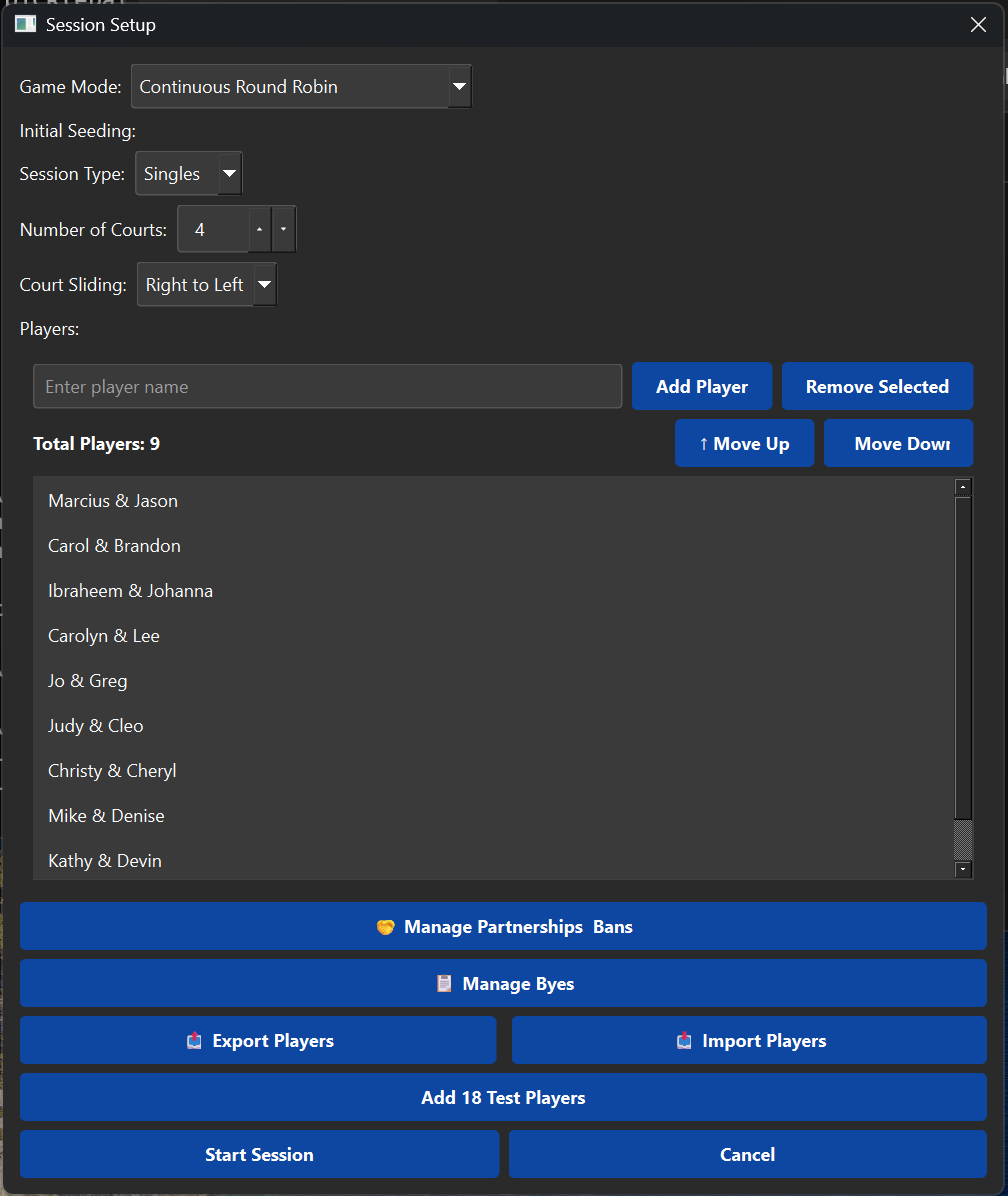
Session setup screen showing player list and game mode configuration
Session Setup
Click to expand
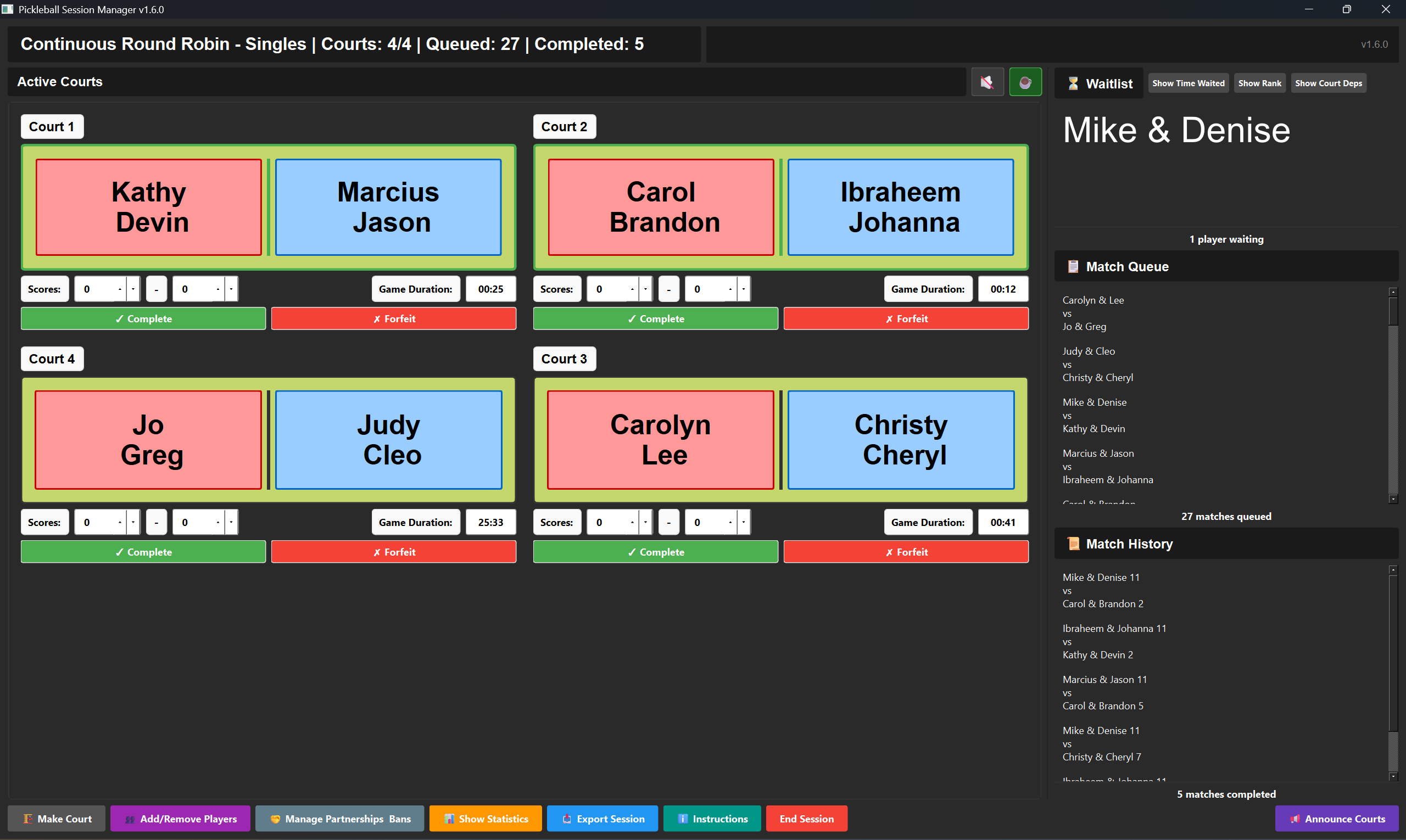
Active session with courts, matches, and score inputs
Active Session
Click to expand
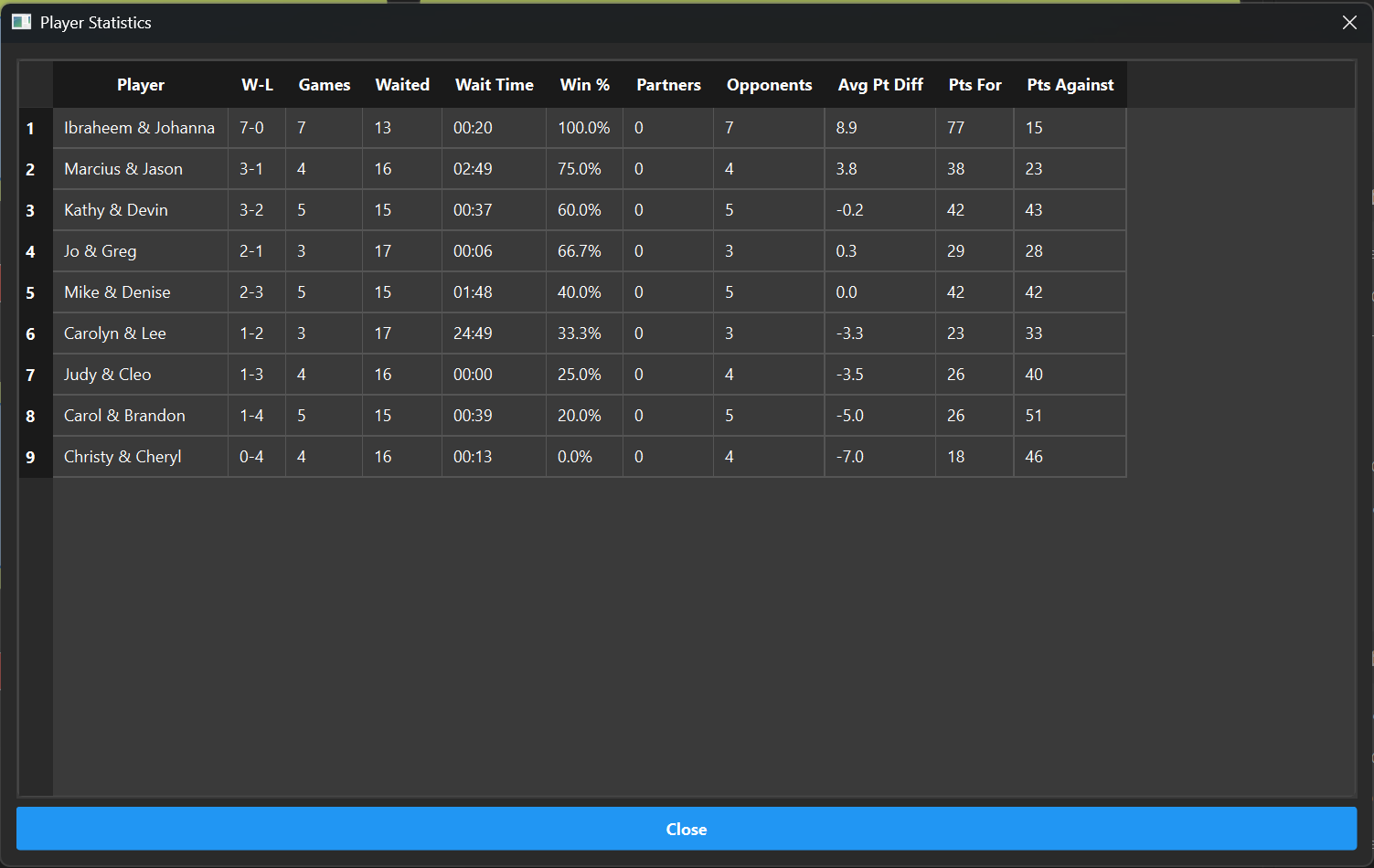
Player rankings with ELO ratings and win/loss records
Rankings & Stats
Click to expand
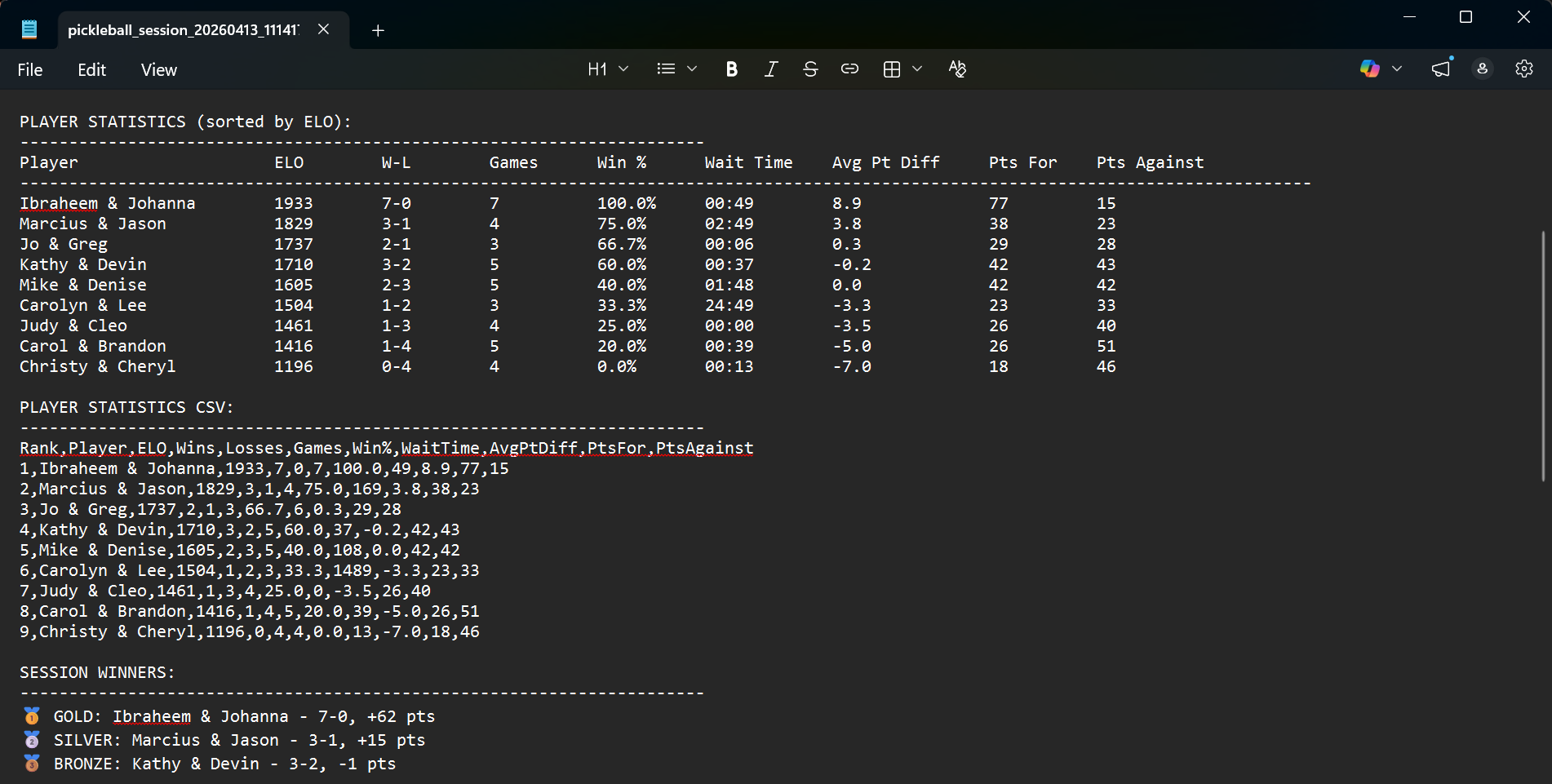
Session statistics export with match history
Statistics Export
Click to expand

Getting Started

Up and running in under 5 minutes.

Install Python

Download and install Python 3.8 or newer. On Windows, make sure to check "Add Python to PATH" during installation.

Download the App

Clone or download the repository from GitHub:

# Clone with git
git clone https://github.com/iysaleh/pickleball_session_manager.git
cd pickleball_session_manager

# Or download the ZIP from GitHub and extract it

Install Dependencies

Install the required Python packages (just PyQt6 for the GUI):

pip install -r requirements.txt

# On Windows, do:
pip install -r requirements-windows.txt

Run the App

Launch the session manager:

python main.py

(Optional) Create a Desktop Shortcut

For quick access, create a desktop shortcut:

python create_shortcut.py

This works on Windows, macOS, and Linux.